Product and growth teams running conversion tests, and anyone who has been asked to call a winner on day three because the dashboard went green.
Cómo funciona
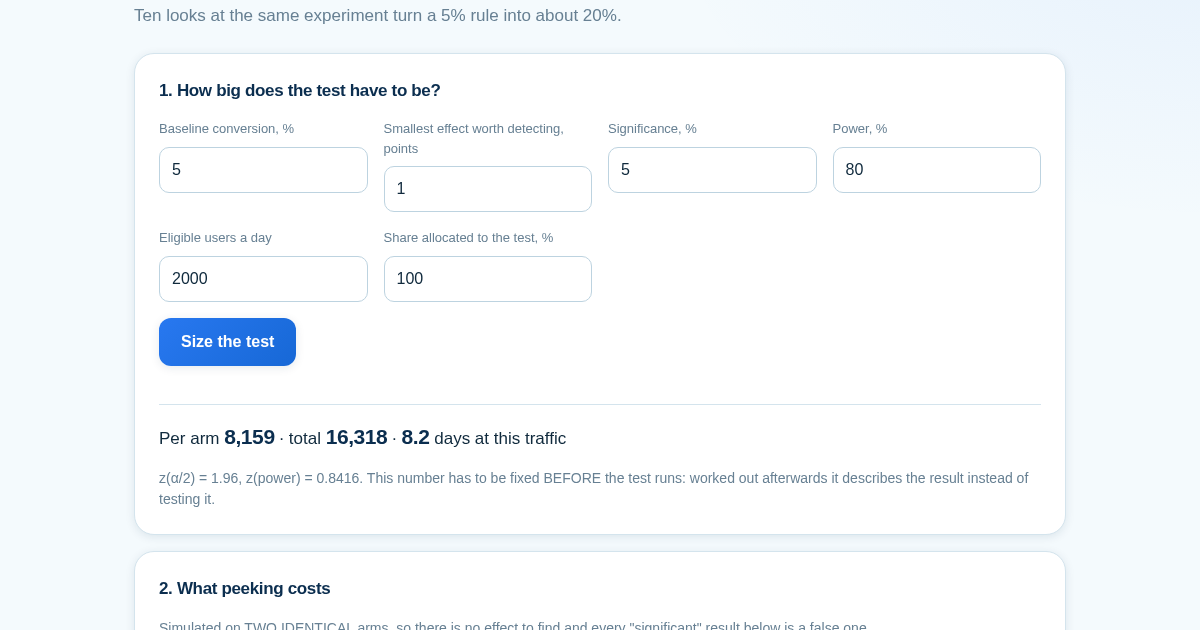
- Enter the baseline, the effect worth detecting, and your traffic to size the test.
- Set how many times you would check along the way and run the simulation on two identical arms.
- Read the calibration row: a single look must come back at the nominal rate, or the figure above it is not trustworthy either.
- Enter a finished test's numbers to see the smallest effect it could have detected.
Qué obtienes
- Simulates what happens when you peek at a test's result before it's finished, and shows how often that habit produces a 'significant' result that is actually false — on data you know has no real effect.
Captura de pantalla
Detalles técnicos
Como configurar y usar
- Compra la licencia — tu clave (lic_...) aparece en la pagina del pedido y en tu correo.
- Inicia sesion en app.synoriaai.com con tu clave de licencia.
- Sin instalacion — el producto funciona en el navegador, en tu instancia aislada.
- 1. Enter your baseline conversion rate, the minimum effect you care about, the significance level, and the desired power, then click 'Save plan'.
- 2. The page shows the required sample size per arm and the critical z-value for your plan.
- 3. Set the number of times you plan to peek at the data, the number of simulation trials, and a seed for reproducibility.
- 4. Run the simulation to see the actual false-positive rate when peeking at two identical arms.
- 5. Review the results: the page will show how much the significance rate inflates due to peeking, and it will also display the smallest effect your actual sample could detect.
Preguntas frecuentes
Is my data safe when using this tool?
Yes. All calculations happen entirely in your browser. No data you enter is sent to any server, and nothing is stored or tracked.
Does this tool provide a corrected p-value or a sequential testing method?
No. This page only demonstrates the inflation of false positives from peeking. It does not implement a sequential design or offer any correction. For valid inference with multiple looks, you would need a proper sequential method.
What does the 'smallest effect your actual sample could detect' mean?
It calculates the minimum effect size that your current sample size (based on your inputs) would be able to detect with the specified power. This helps you interpret a null result: if the effect you care about is smaller than this, your study may be underpowered.
Productos relacionados
HealthClean: Health Data Export Cleaner for Wearables
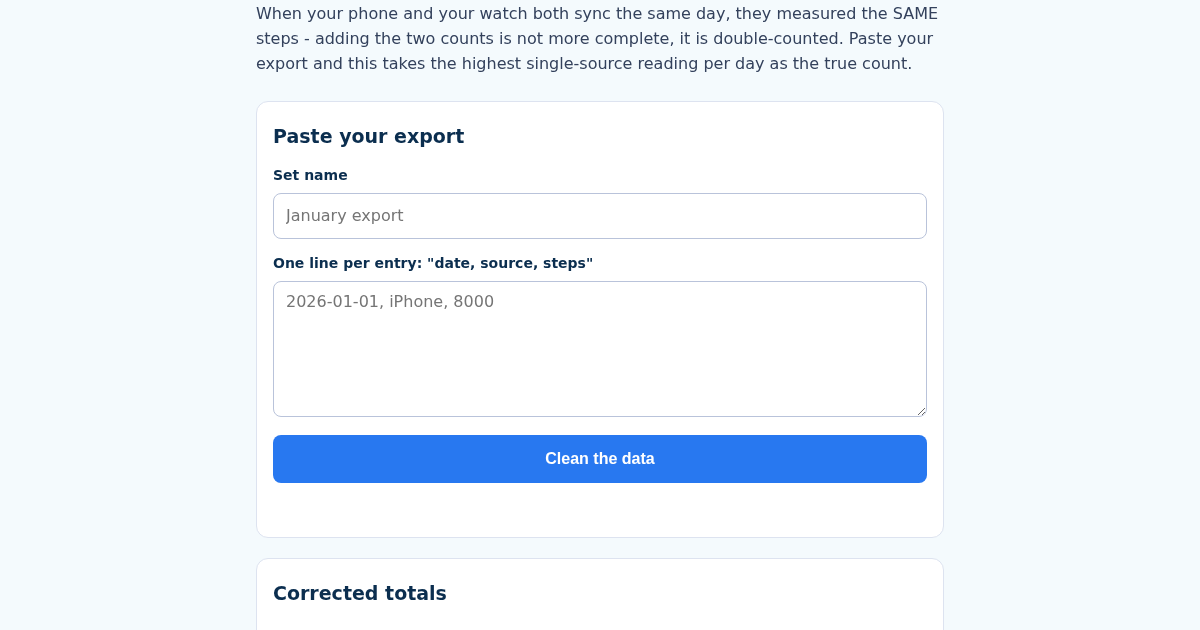
When your phone and your watch both sync the same day's walk, most people's instinct - and some naive export tools - just add the two step counts together. That is not a more complete number, it is double-counted: both…
HealthClean: Health Data Export Cleaner for Wearables
When your phone and your watch both sync the same day's walk, most people's instinct - and some naive export tools - just add the two step counts together. That is not a more complete number, it is double-counted: both…
The Average Says You're Fine
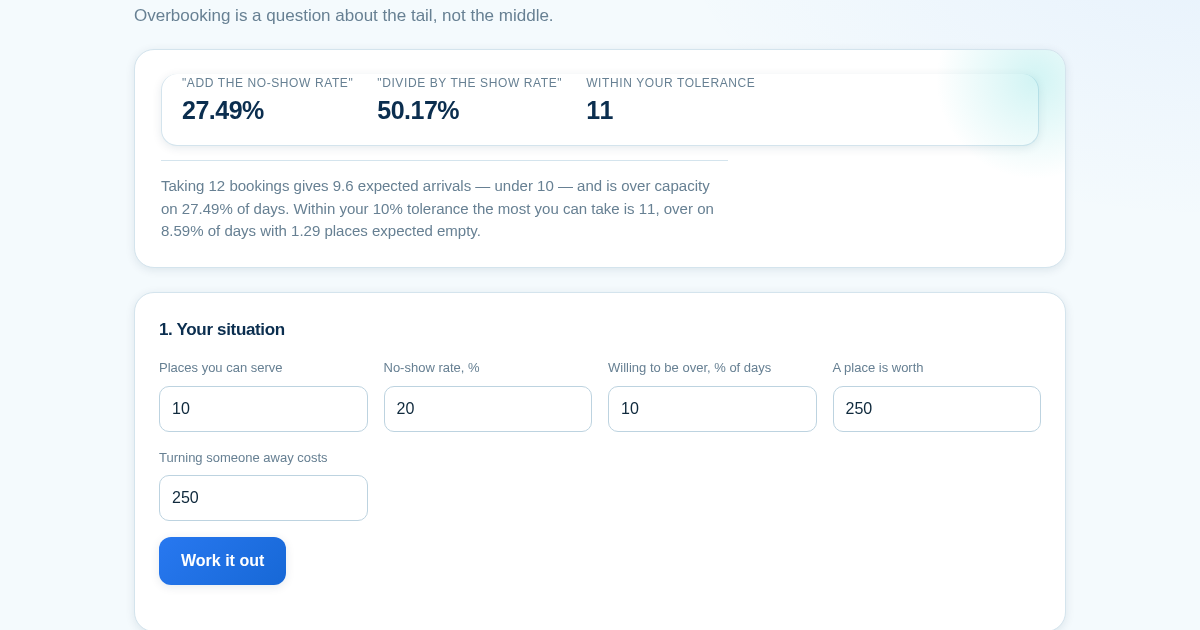
Ten places, one in five does not turn up, so take twelve bookings — the average says 9.6 arrive and 9.6 is under ten. That is exactly right, and it is the wrong number to look at: twelve bookings is over capacity on…
Bias Isn't Agreement: step-count validator
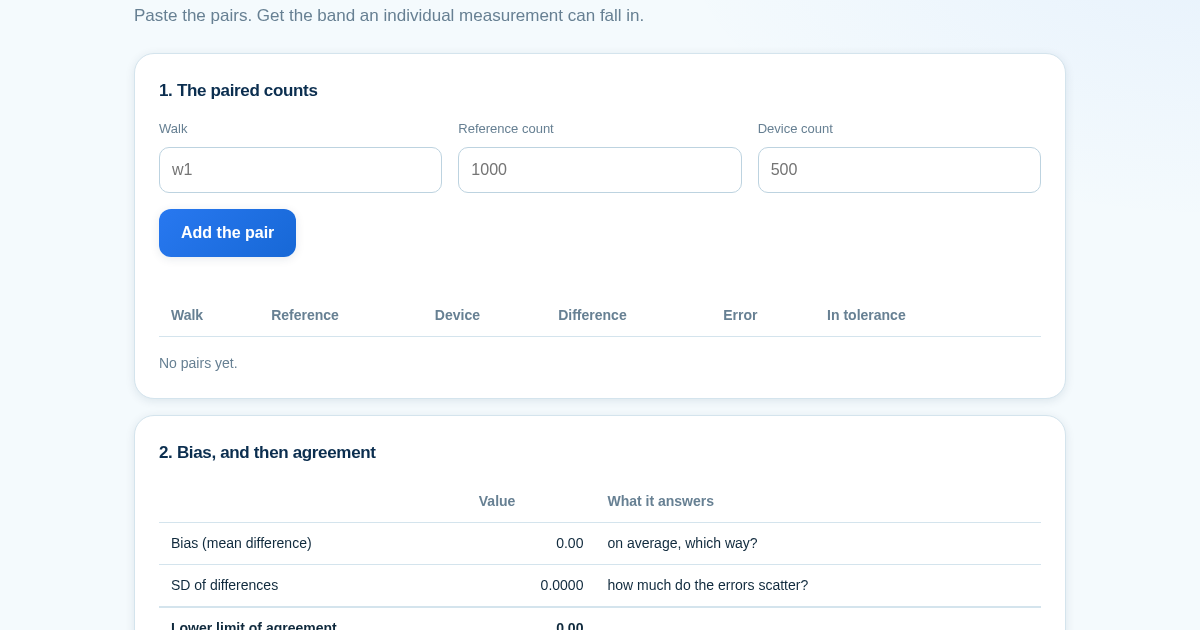
A step counter that reads exactly half the true count correlates with the reference at 1.0000 - perfectly - and is wrong on every single walk. A step counter that reads +500 on one walk and -500 on the next has a mean…